

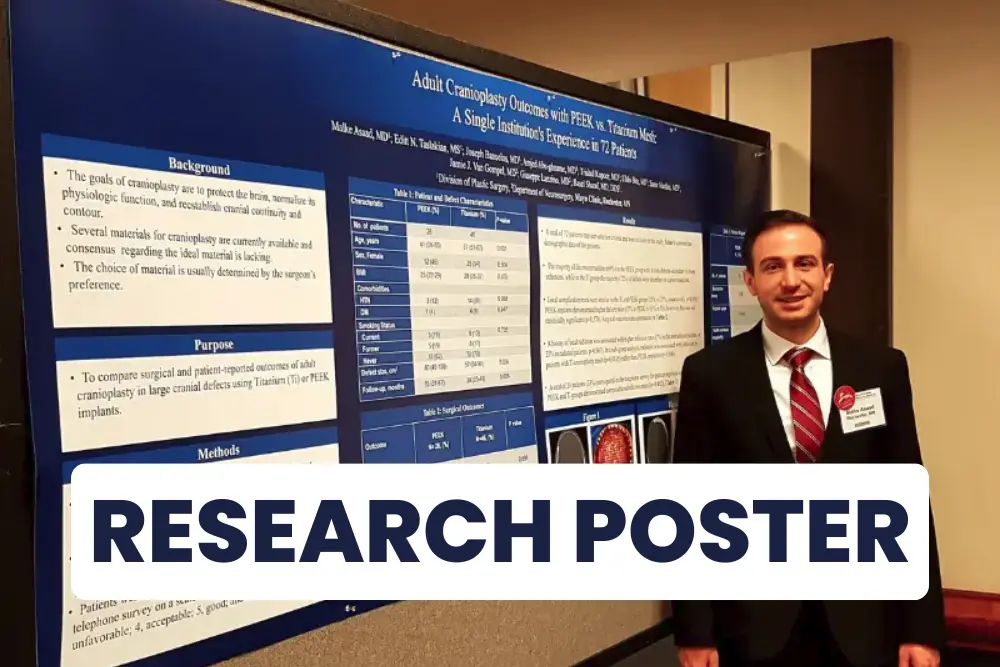

Welcome to this blog post on creating a scientific or medical research poster presentation! In this post, we will walk you through the steps of creating a visually appealing and informative presentation that effectively communicates your research findings. Your poster is a visual representation of your research. Creating a scientific research poster presentation can be a great way to share your research with a larger audience. Whether you are presenting at a conference, a poster session, or an academic event, a well-designed poster can effectively communicate your findings and generate interest in your work.
Before you begin creating your poster, it’s important to identify your audience and purpose. Are you presenting to a group of peers at a conference, or are you presenting to a general audience at a public event? Understanding your audience will help you tailor your language and content to be more accessible and relevant. For example, if you are presenting to a general audience at a public event, you may want to use simpler language and avoid technical terms. On the other hand, if you are presenting to a group of peers at a conference, you can use more technical language and delve deeper into the details of your research.
The layout and design of your poster are crucial to its success. A research poster should be visually appealing, with a clear and organized structure that guides the viewer through the content. There are many ways to structure a scientific research poster, but a common approach is to use headings and subheadings to break up the content and make it easy to follow. You can also use visual aids, such as graphs, charts, and images, to help convey your message.
You can find some free poster templates online to help you visualize your layout.
When it comes to the layout of your poster, there are a few different options to consider. One popular layout is the “grid” layout, which divides the poster into a series of evenly spaced columns and rows. This layout is great for organizing your content and making it easy to follow.
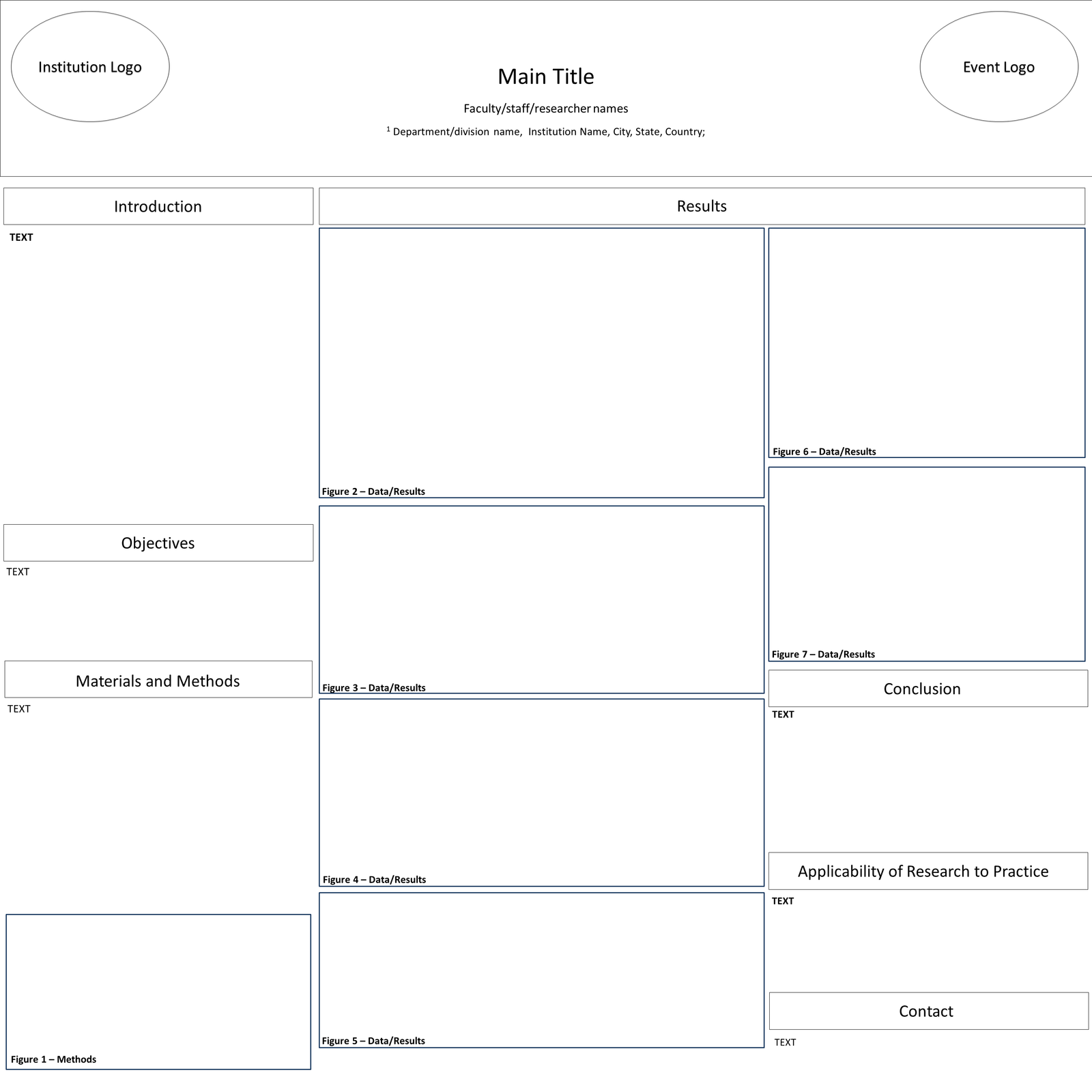
Any figure can be substituted for text
Another option is the “flow” layout, which arranges the content in a more free-form way. This layout can be a bit more creative, but it’s important to make sure the content is still easy to follow and understand.
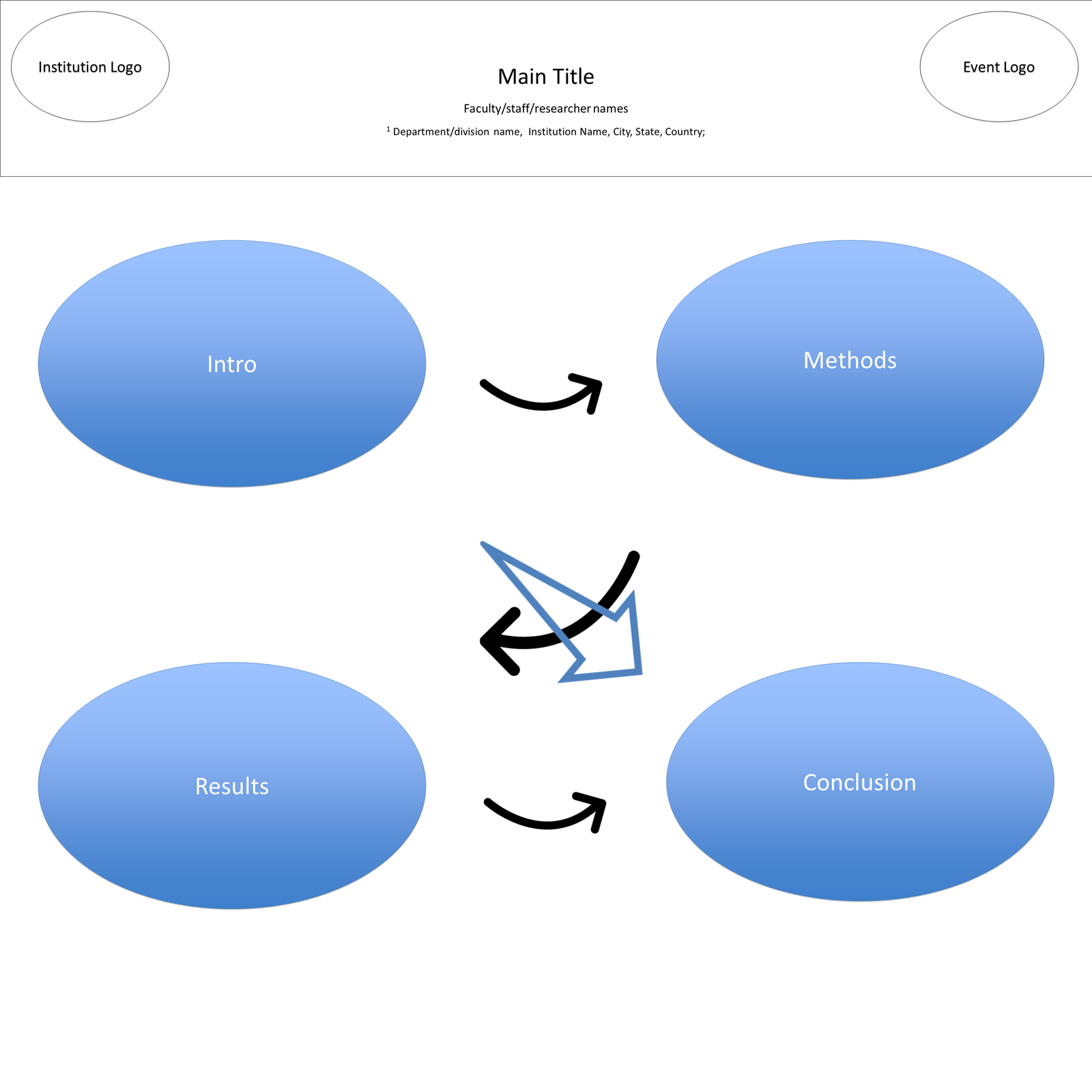
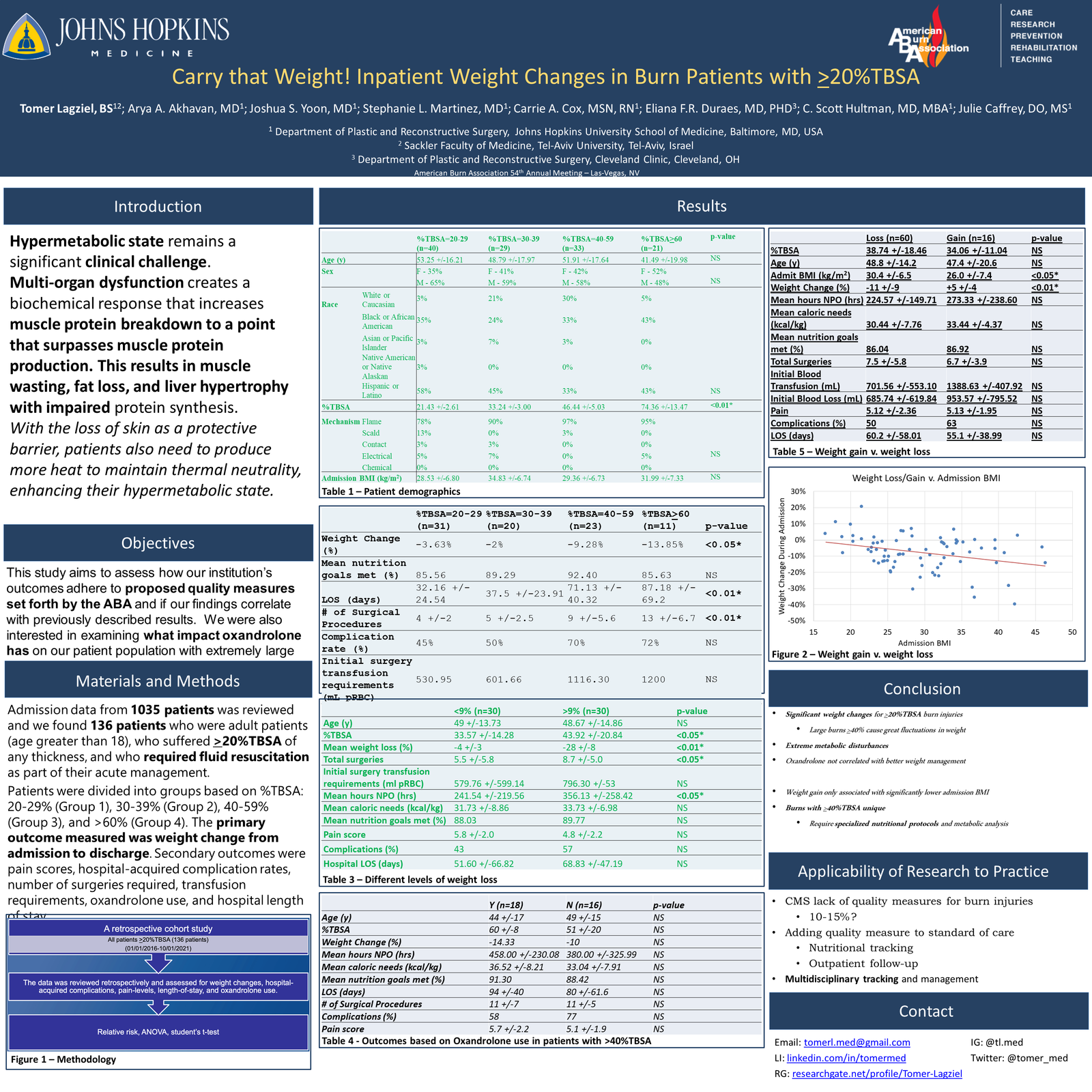
Figure 3 A: Bad Font
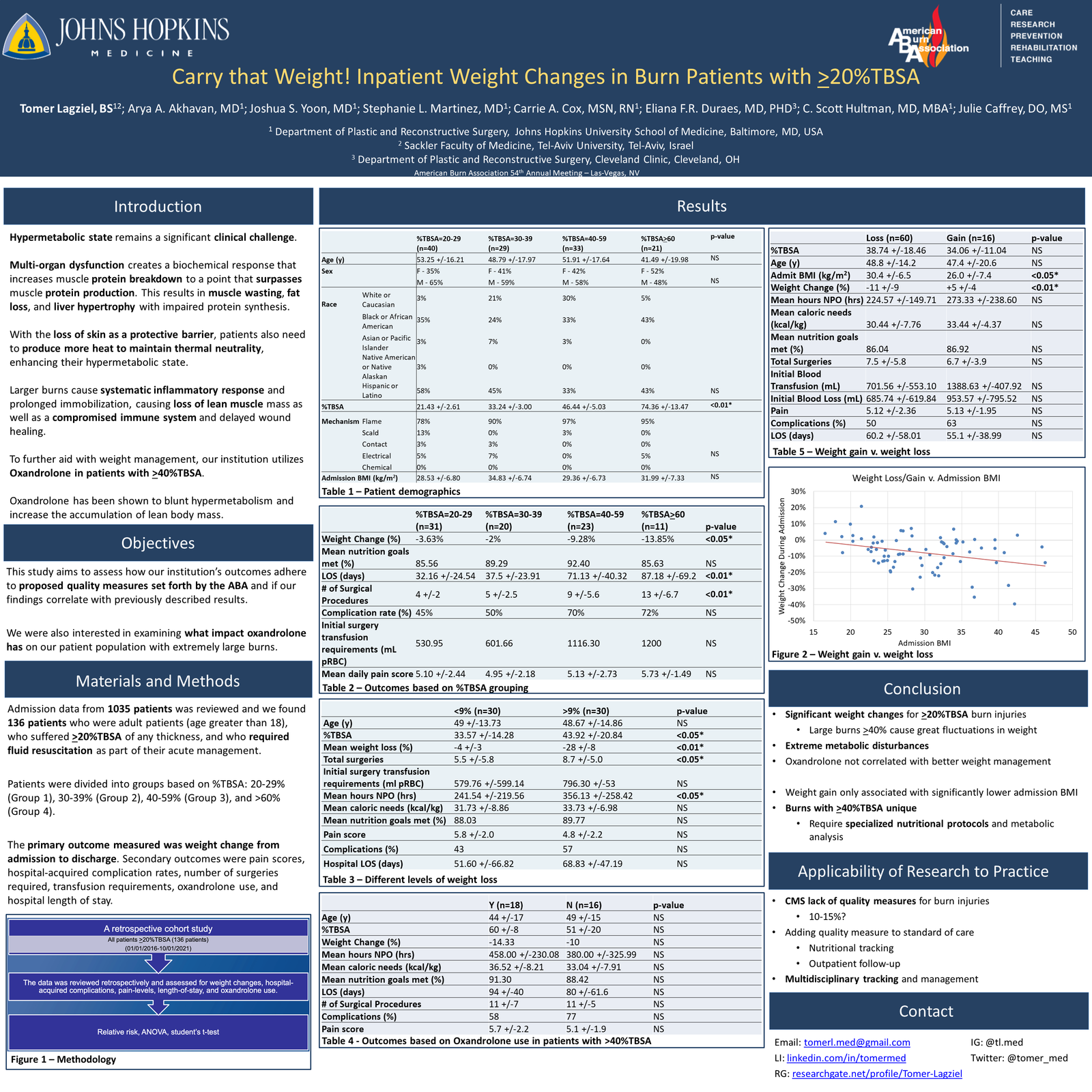
Figure 3 B: Good Font
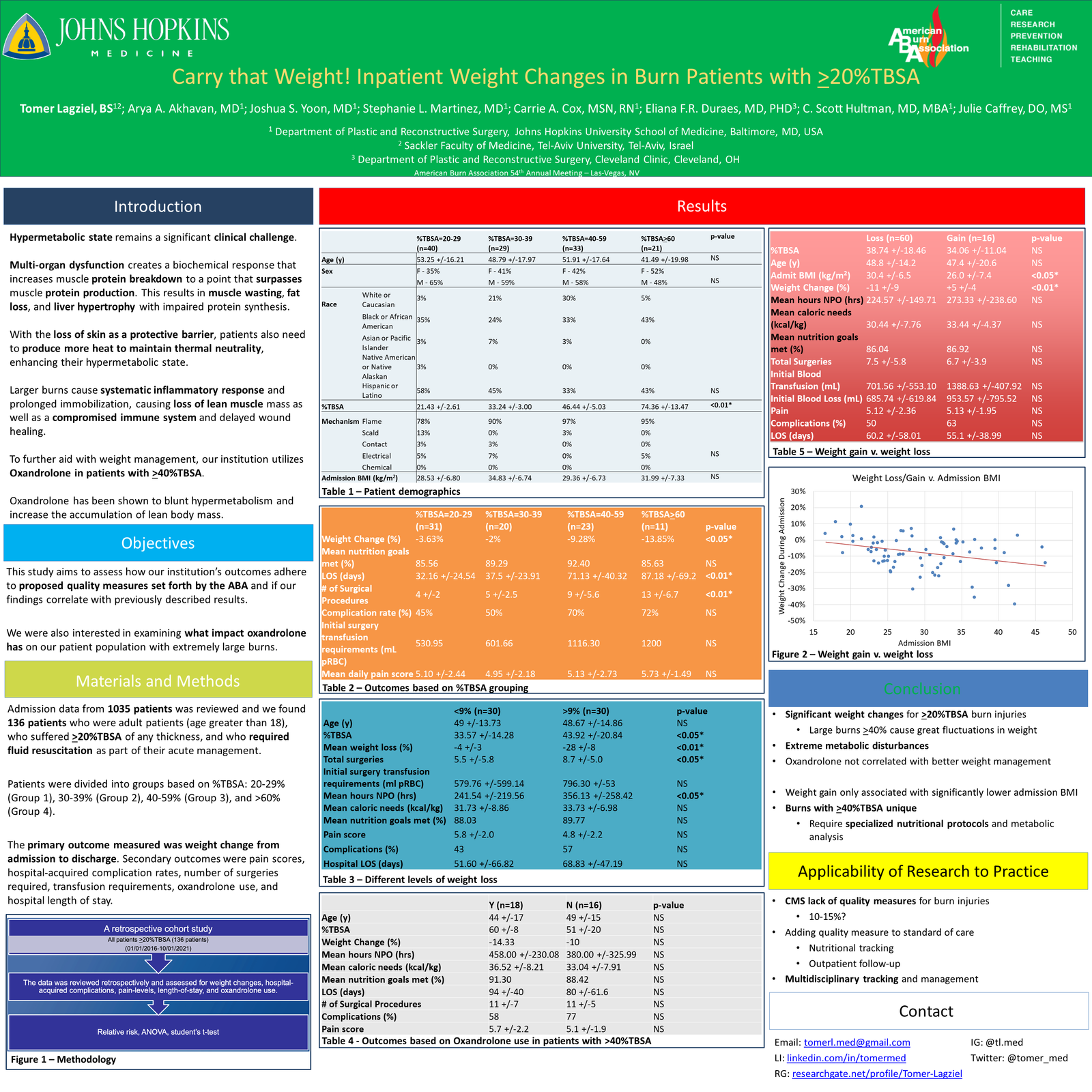
Figure 4 A: Bad Colors
Figure 4 B: Good Colors
Once you’ve chosen a layout and design for your poster, it’s time to start creating the content. When it comes to the content of your poster, it’s important to focus on the main points of your research. Begin by introducing the topic and providing some background information to set the stage for your research.
Start by choosing a clear and concise title for your poster. The title should accurately describe the main topic of your research and grab the attention of your audience. It should be short and to the point, ideally no more than a few words. Consider using a title that poses a question or highlights a key finding of your research.

Next, outline your research question or hypothesis and explain the methods you used to gather data. Be sure to include any relevant results and conclusions, as well as any limitations or future directions for your research.
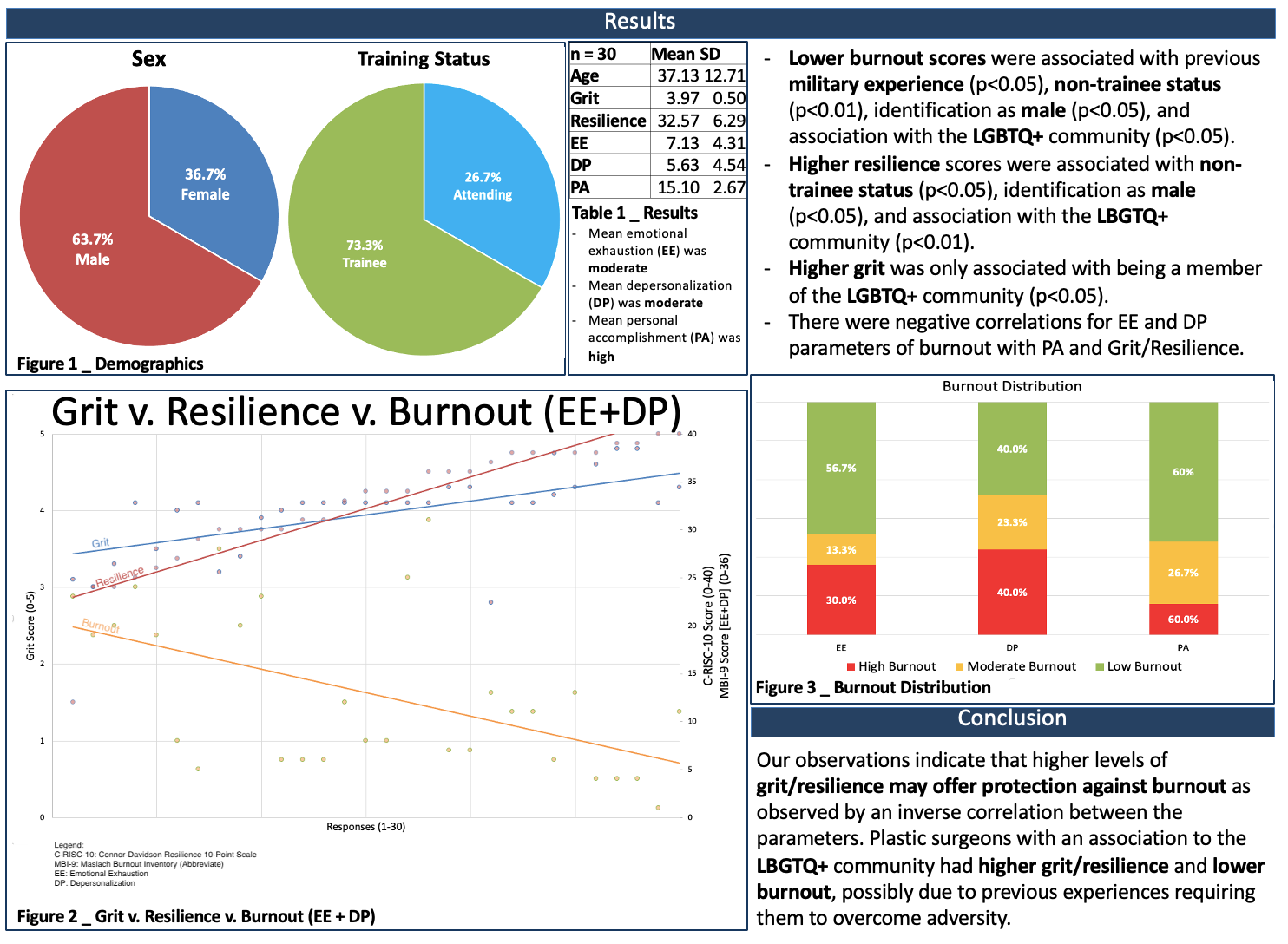
*This poster won Best-In-Category at the 2022 American Burn Association meeting
In addition to the text, be sure to include graphics and charts to help illustrate your findings. These can be bar graphs, pie charts, or other types of visual data representations that make it easier for the viewer to understand your research.
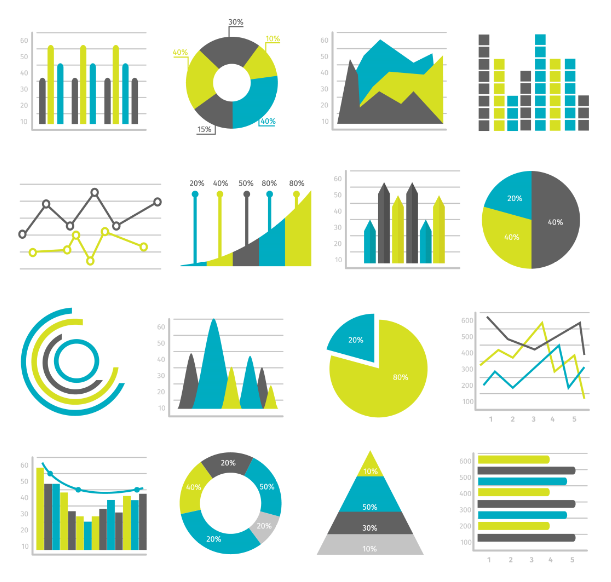
Visual aids, such as graphs, charts, and images, can be a great way to supplement your text and help convey complex ideas more effectively. Choose visual aids that are relevant and informative, and make sure they are labeled clearly.
When creating graphics and charts, it’s important to choose a clear and concise visual representation of your data. Avoid using too many different types of charts or graphics, as this can be confusing for the viewer. Instead, focus on using a few key charts or graphics that effectively communicate your research findings.
Generally, posters don’t need a reference section because this is a short highlight of data that is purely your own. However, sometimes your background/introduction may reference specific studies or you may have used figures that are not original. In these cases, you should include short references section at the end of your poster. It is important to properly cite the sources you used in your research and to give credit to the work of others. Use a consistent citation style, such as APA or MLA, and be sure to include all necessary bibliographic information
This is a completely optional section. However, I highly recommend it. Many times, the posters will be available for viewing without your presence. In such cases, you must provide an opportunity for them to be able to contact you in the future if they wish to discuss your research. The first and easiest option is including your professional email (can be academic but doesn’t have to be). Another option that has recently gained popularity is the inclusion of a QR code. This personally designed QR code can direct the viewer to any professional page that you may design (Social-Media, Email, ResearchGate, etc.).

Figure 8: Contact info
Before you print or submit your poster, make sure to review and proofread it carefully. Look for typos, grammatical errors, and factual mistakes, and correct them as needed. Ask a friend or colleague to review your poster as well, as they may catch mistakes that you missed.
Practice your presentation. Make sure you know what you want to say and how you want to say it. Practice in front of a mirror or with a friend to get comfortable with the material. Consider using props, such as handouts or physical models, to help illustrate your points.
When practicing your presentation, consider the following:
Once you have completed your poster, it is time to print and assemble it. Make sure to use high-quality paper and printing methods to ensure that your poster looks professional and visually appealing.
There are a few different options for printing and assembling your poster, including:
Once your poster is printed, you will need to assemble it. Depending on the size and material of your poster, you may need to use foam board, mounting adhesive, or other materials to mount your poster onto a backing board.
Finally, it is time to transport and display your poster at the event. Make sure to handle your poster carefully to avoid any damage and consider using a poster tube or other protective case to transport. When setting up your poster at the event, make sure to follow any instructions or guidelines provided by the event organizers. Consider the lighting and positioning of your poster and try to position it in a location that is easy to see and access.
Some conferences have dedicated poster sessions where each researcher can give a quick presentation of their poster. However, this is not always available. Most of the time, you stand in front of your poster and present it to anyone that passes by and chooses to discuss your research with you. A poster presentation should be a 2-3 minute “elevator pitch” of your work. This little speech should be memorized cold, and you should be able to present it to anyone that asks.
Here are a few additional tips to help ensure the success of your research poster presentation:
A newly popular new method of presented research has also been developed. The “Better Poster” approach developed by Mike Morrison, PhD, is a method for creating effective and engaging research posters. The approach emphasizes the use of clear and concise language, a consistent layout, and effective use of visuals to communicate research findings.
One of the key features of the Better Poster approach is its simplicity. By avoiding technical jargon and using a simple design, the poster is more accessible to a wider audience. The approach also highlights the importance of highlighting key findings, which ensures that viewers can quickly understand the most important information.
Another important feature of the Better Poster approach is its emphasis on the use of visuals. Charts, diagrams, and images are used to supplement the text and make the poster more engaging. The use of visuals also helps to break up the text and make the poster more visually appealing.
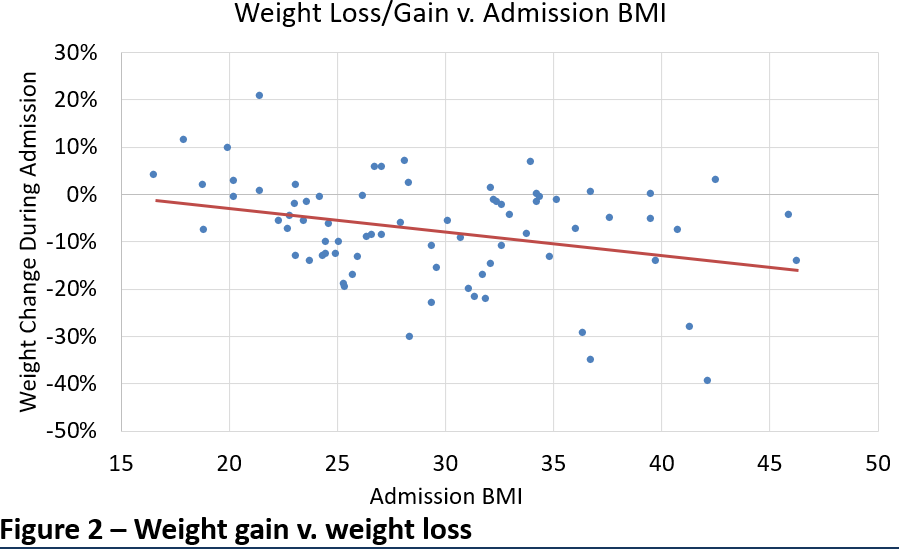
Figure 9
In conclusion, creating a research poster can be a daunting task, but by following the tips outlined in this blog post, you can create a visually appealing and informative poster that effectively communicates your research findings. From outlining your content and selecting the right layout, to choosing the right colors and typography, the key is to keep your audience in mind and strive for simplicity and clarity.
The author of this blog post is Tomer Lagziel, a fourth-year medical student at the Sackler School of Medicine, New-York Program and a clinical research fellow in the Johns Hopkins Department of Plastic and Reconstructive Surgery. He has over 30 publications and even more poster and podium presentation at some of the most prestigious scientific surgical conferences.



Our editing includes not only language but also context, structure, and content advising.

The editing goes beyond language and grammar corrections to structure, design, and content advising based on your personal story and achievement.

The best way to learn something is to do it. That’s why we divide our interview preparation sessions into two parts:
Mock Interview + Feedback

We are able to provide you with the guidance you need at any step of your journey to make it to your final goal!